Tenant Management
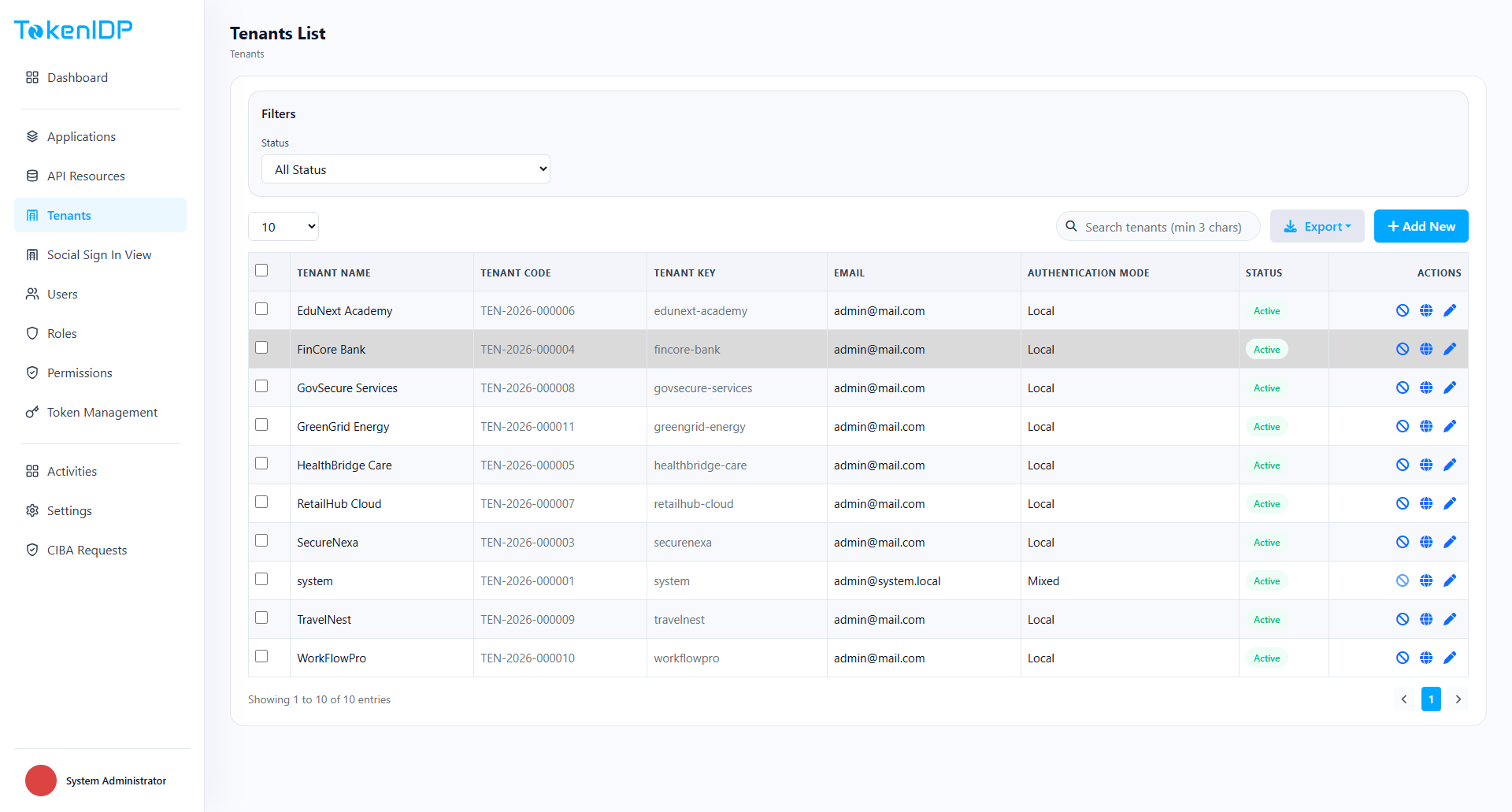
Tenant Management controls the isolation boundary for customers, business units, or environments.
Where it helps
Use Tenant Management to create and maintain tenant-level identity settings, branding, policies, and ownership.
Workflow
- Open Tenant Management.
- Create or select a Tenant.
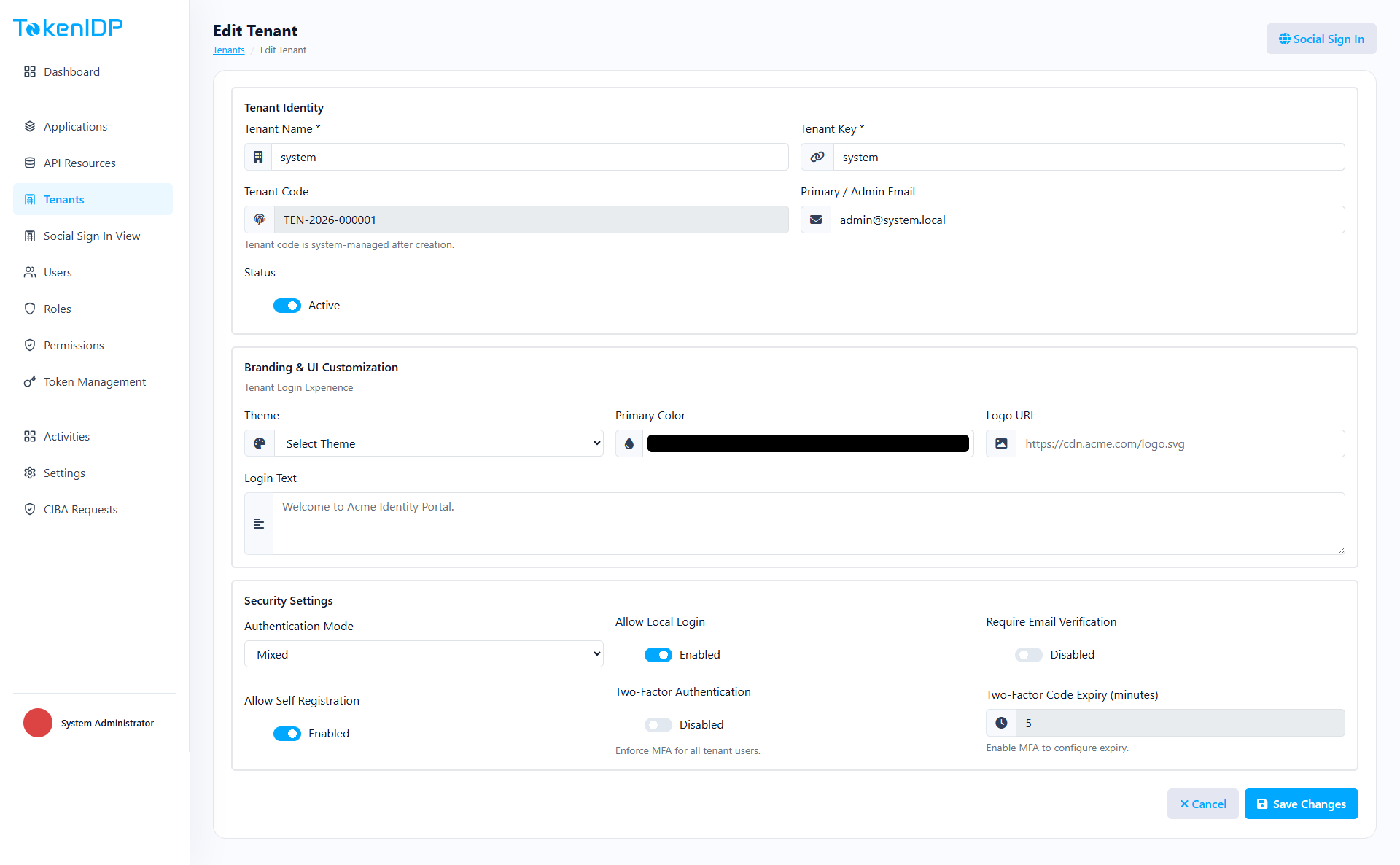
- Update identity, contact, and policy settings.
- Save changes and confirm downstream applications use the correct Tenant context.
Example
Create separate Tenants for staging and production so user populations, Applications, and secrets stay isolated.
Common Pitfalls
- Sharing a Tenant across unrelated customers.
- Editing the wrong Tenant because the portal context was not verified first.
Troubleshooting
- If changes appear in the wrong place, confirm the active Tenant selector before investigating deeper.