Admin Portal
The Admin Portal is the working area for people who operate TokenIDP after it is deployed. From here, teams manage tenants, client applications, users, roles, MFA policy, token controls, and the settings that affect runtime behavior.
Runtime model
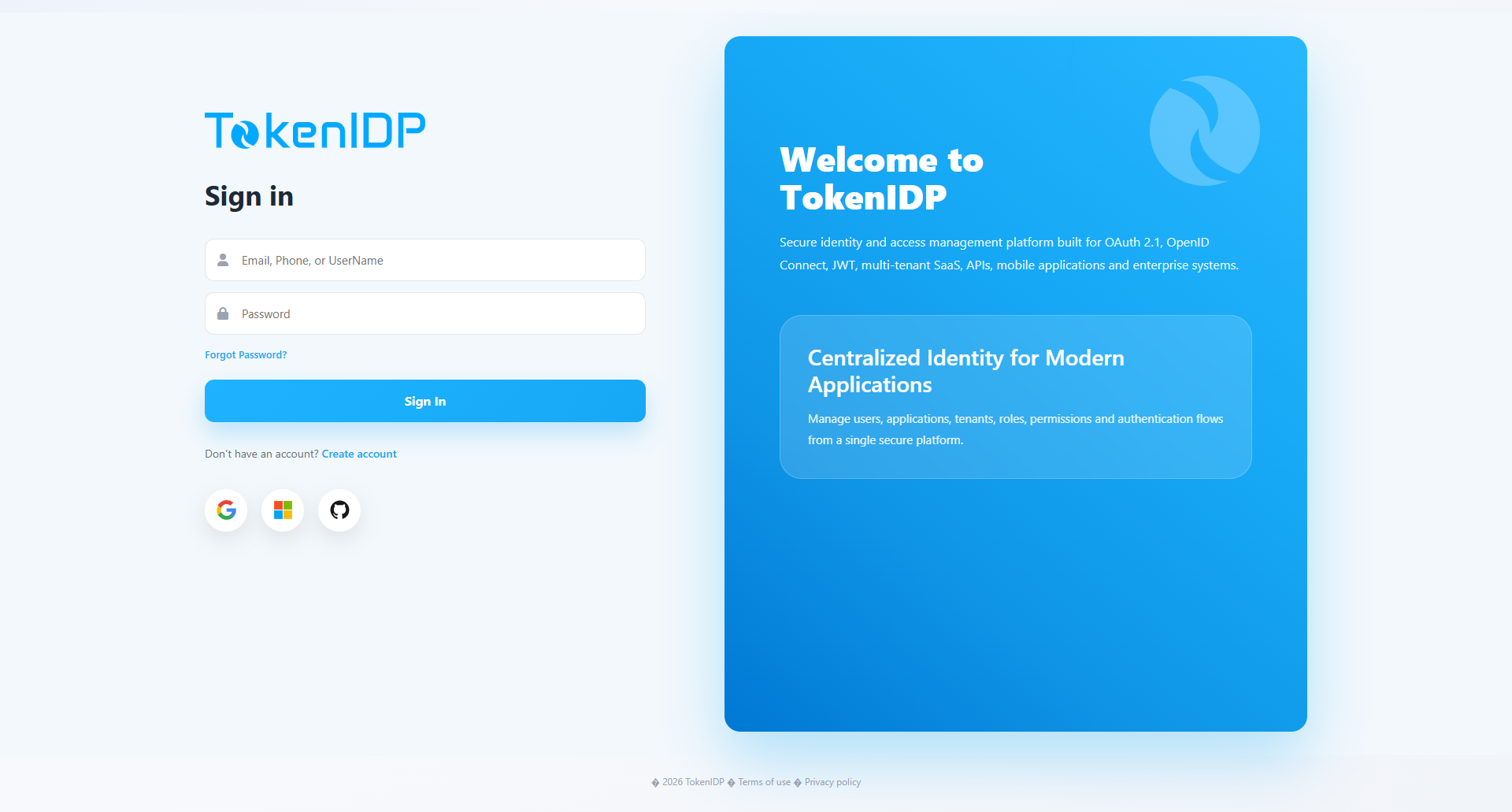
The Admin Portal is a React single-page application deployed separately from the backend, currently on Azure Static Web Apps. It signs in through TokenIDP using Authorization Code + PKCE, receives tokens through the React SDK, and calls the backend /admin/* APIs with bearer tokens.
The backend enforces tenant context, role and permission policies, system-tenant-only workflows, and client-level rate-limit settings. Tenant management actions that affect other tenants require system tenant context.
Admin pages
- Dashboard
- Applications
- Tenant Management
- User Management
- Roles and Permissions
- Token Management
- MFA Policies
- Activities
- Configurations
- Password Reset
- Forgot Password
- Stay Signed In
- External Providers Management
- Create Free Account
Typical session
- Open the Admin Portal.
- Select the Tenant you want to manage.
- Open Applications.
- Register a new confidential client and capture its Client ID and secret.
Common Pitfalls
- Granting admin access broadly instead of role-scoping portal permissions.
- Treating production token operations as routine actions without audit review.
Troubleshooting
- If a portal action succeeds in the UI but not in runtime behavior, inspect the Activities page and confirm the Tenant context used for the action.