Roles and Permissions
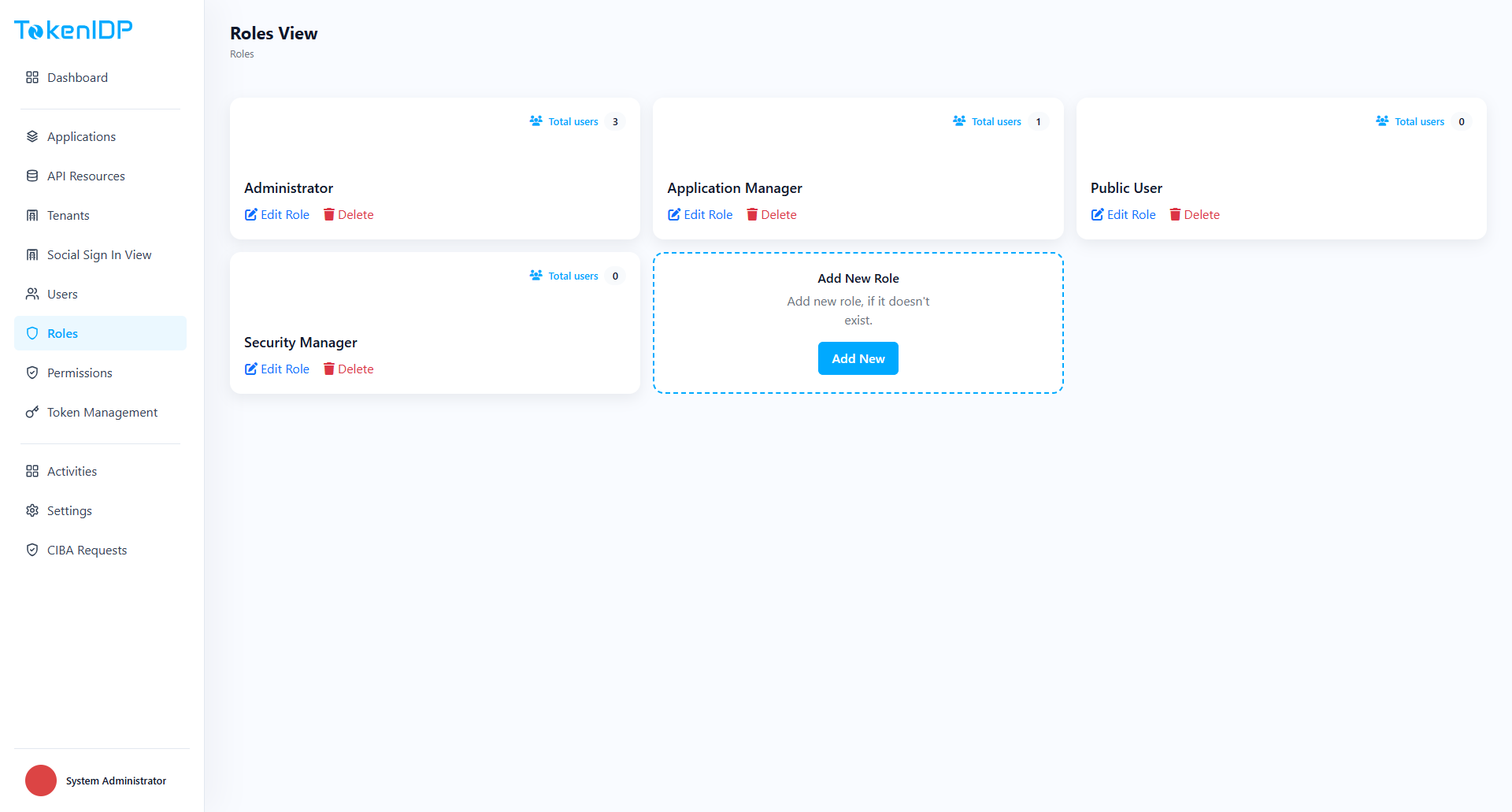
Roles group access rules for both Admin Portal capabilities and application-facing authorization.
Where it helps
Use Roles and Permissions to model who can administer Tenants, manage users, rotate secrets, and access protected business features.
Workflow
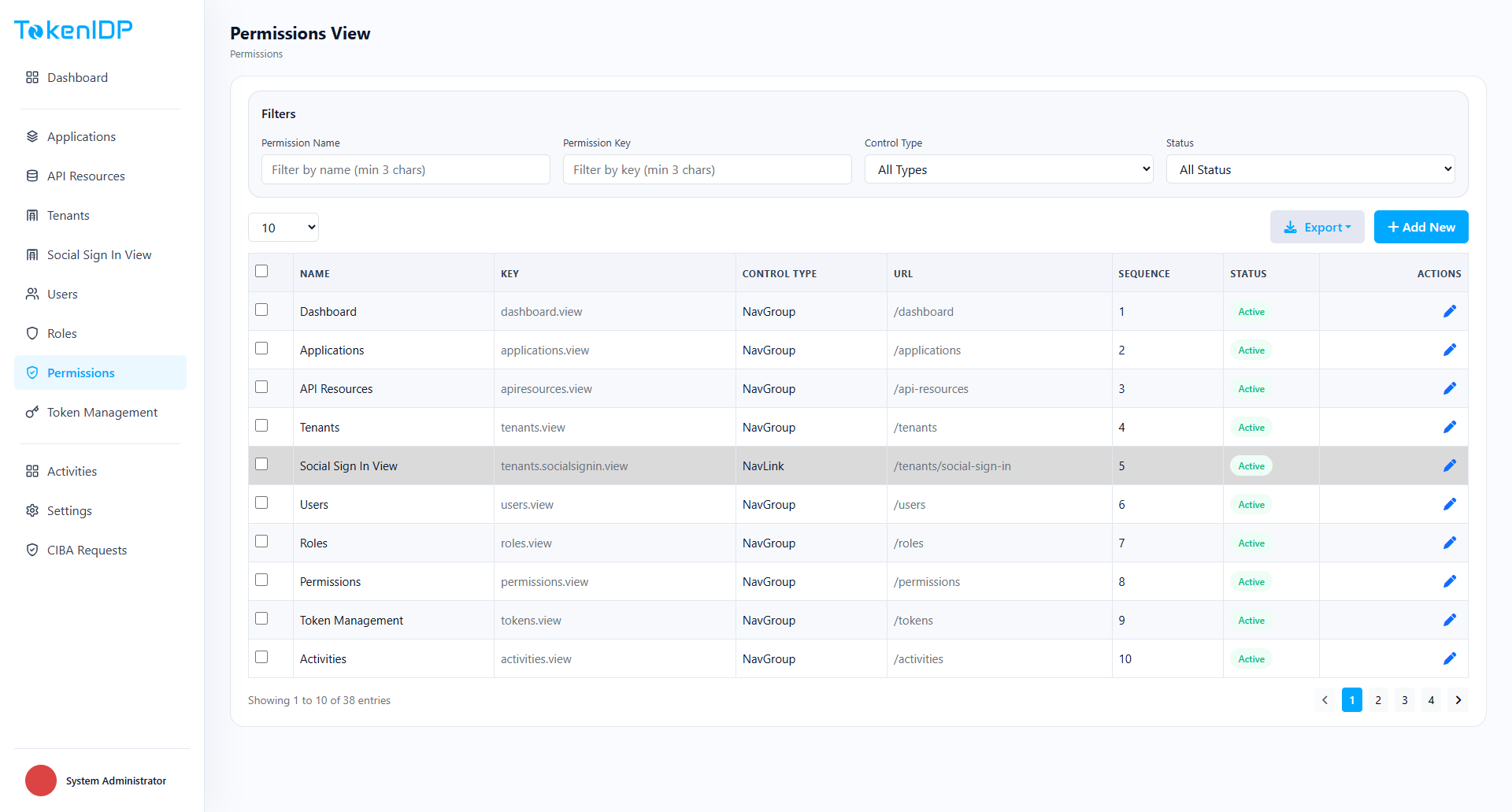
- Open Roles and Permissions.
- Create or edit a Role.
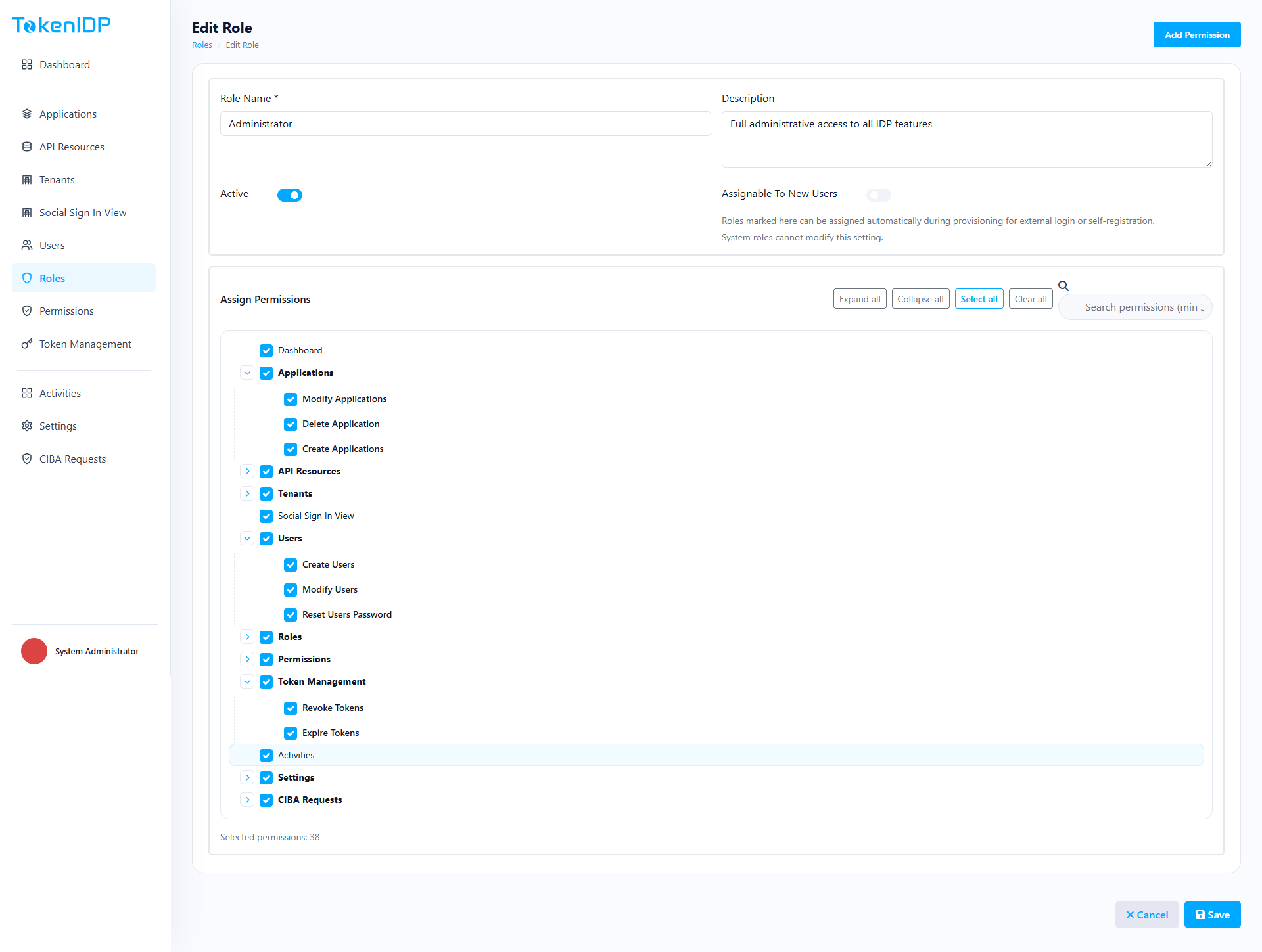
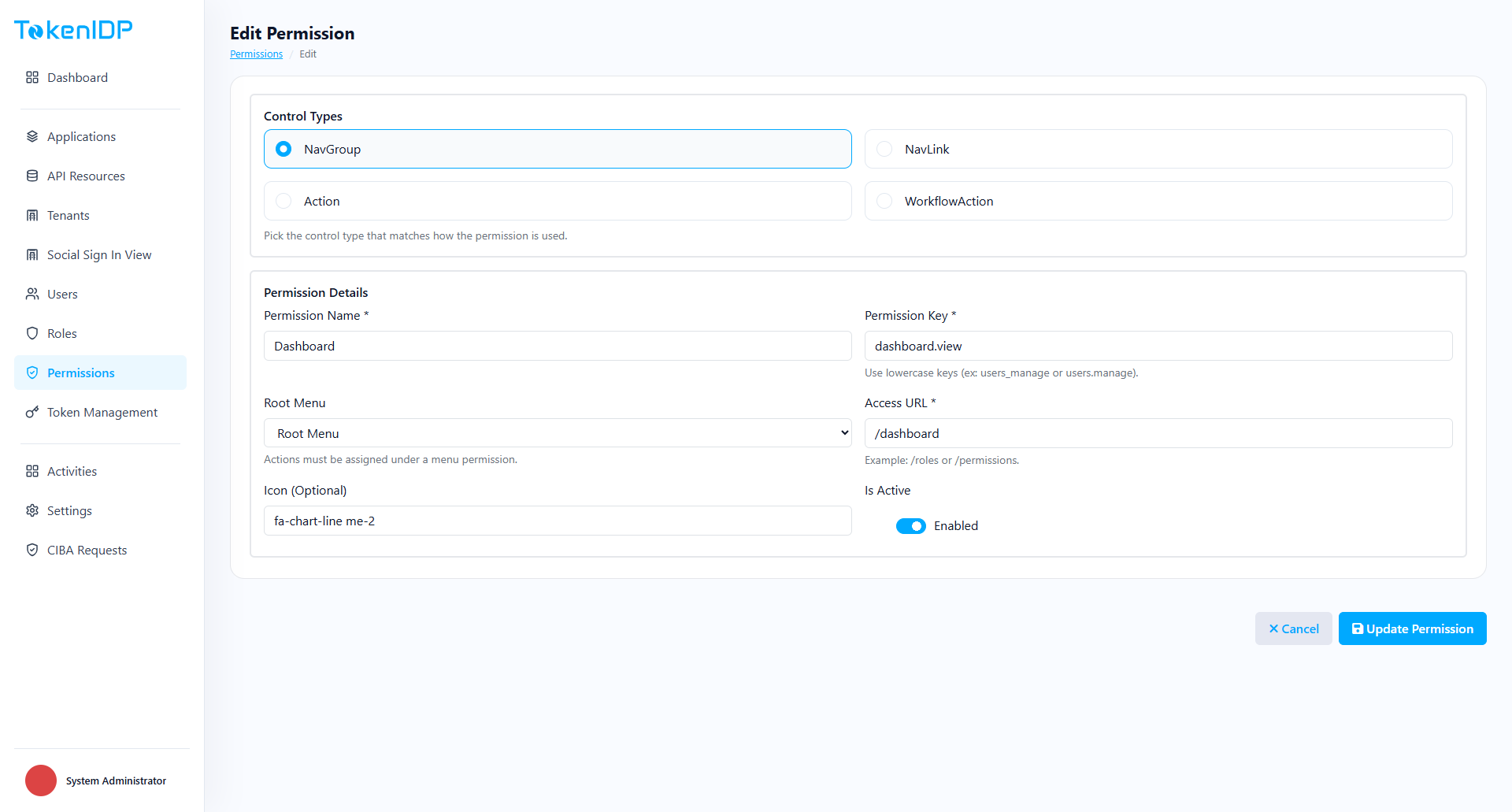
- Attach permissions intentionally.
- Assign the Role to Users or groups.
- Validate effective access in a non-production environment.
Example
Create a SupportAgent role that can view activities and user details but cannot revoke tokens or modify Applications.
Common Pitfalls
- Creating one broad administrator role for every operator.
- Treating Role names as documentation without reviewing the actual permissions.
Troubleshooting
- If a user sees too much or too little in the portal, inspect the resolved permission set rather than only the Role label.