Configurations
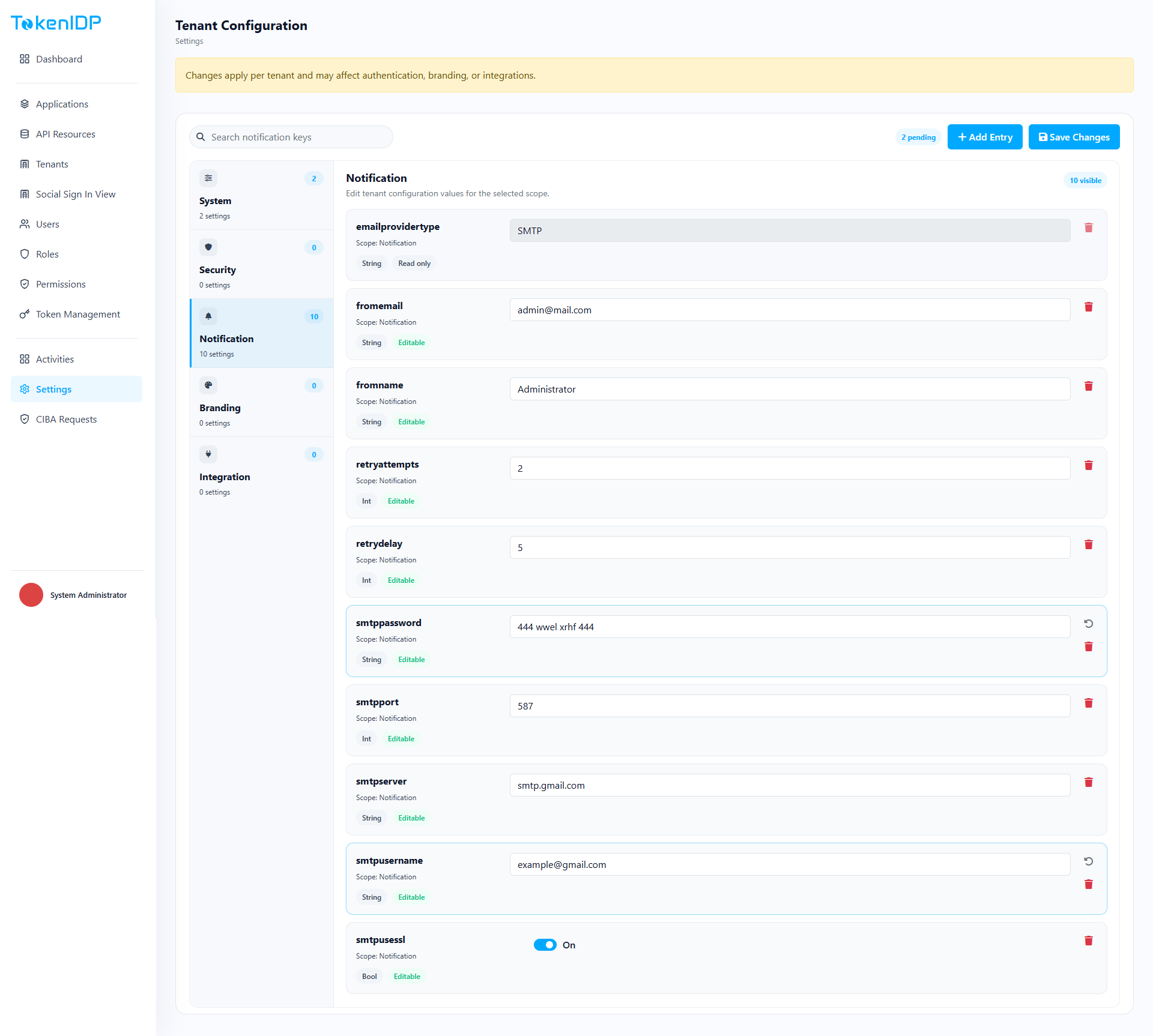
Configurations manages tenant-level operational settings and feature controls.
Where it helps
Use Configurations to update tenant-specific settings, feature flags, and operational values used by TokenIDP components.
Workflow
- Open Configurations.
- Search for the setting key.
- Edit the value with a clear change reason.
- Save and validate the runtime effect.
Example
Update a tenant-specific session or policy value in staging first, validate the outcome, then repeat the change in production under change control.
Common Pitfalls
- Making direct production changes without documenting intent.
- Forgetting that some values may be cached temporarily.
Troubleshooting
- If a change does not appear immediately, inspect configuration cache behavior and any dependent service restarts.